Ledger DocsWordPress Documentation Theme
A calm, fast documentation theme for people who write docs, not marketing pages.
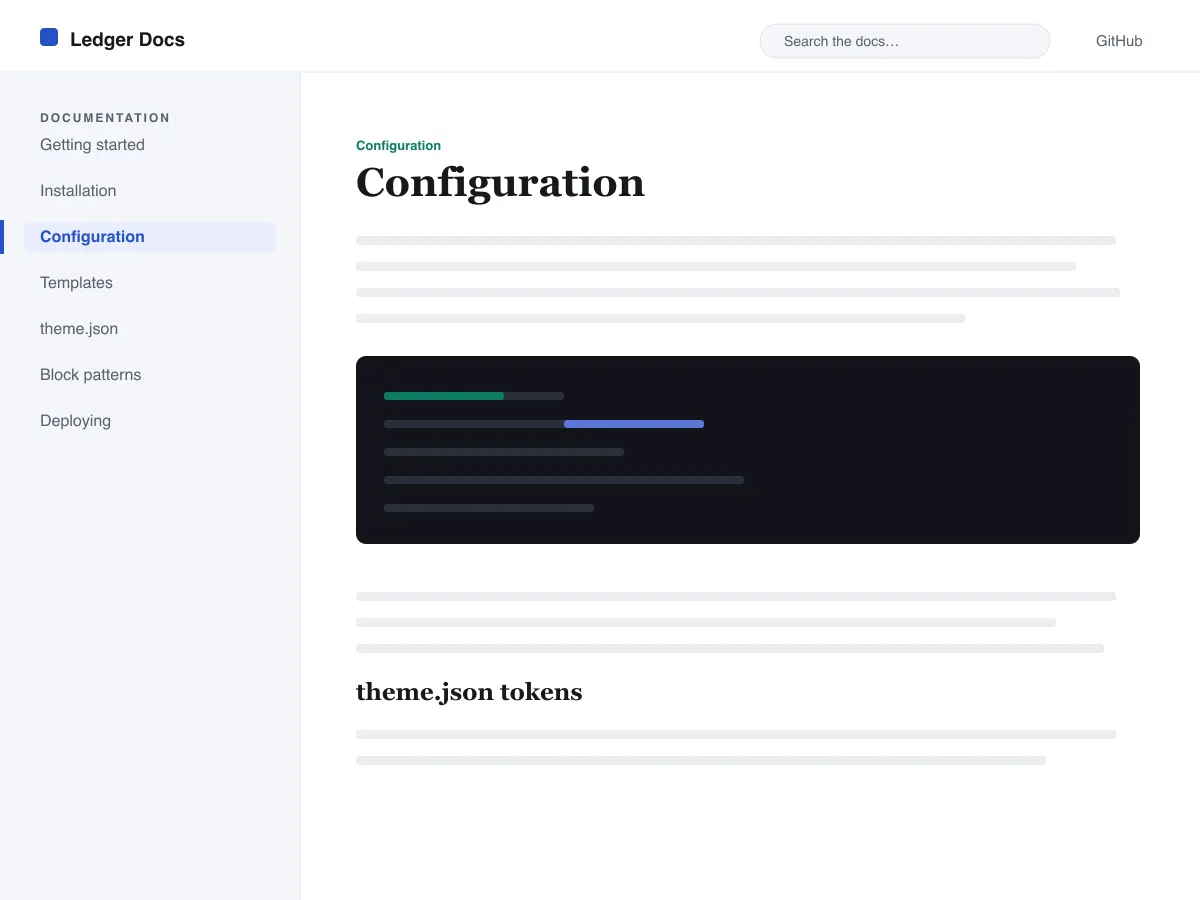
What's in Ledger Docs
- Sticky left-hand documentation sidebar built from a standard Navigation block, so authors manage the docs tree from the editor with no code.
- First-class code presentation: bordered, monospaced core/code and core/preformatted blocks plus styled inline code, all driven by theme.json.
- Fluid system-font typography via clamp() with a tuned type scale, generous line-height, and no external or bundled font files.
- Light and dark color palette with duotone filters, every token checked for WCAG AA contrast against its intended background.
- Accessibility-ready: skip link, visible keyboard focus, semantic header/main/footer landmarks, and prefers-reduced-motion support.
- Search-friendly archives with a persistent search field in the header and clean query-loop listings for browsing documentation.
Next steps
Free tools to set up your site
WordPress theme.json Generator
Build a valid theme.json — and see which half actually changes your site.
Open toolWordPress Image Size Lab
Drop an image in. See every copy WordPress will make of it.
Open toolWordPress .htaccess Generator
The rules WordPress needs, plus the hardening rules it does not ship with
Open toolRelated
Other themes you might like
FAQ
Ledger Docs questions
Is Ledger Docs really free?
Yes. Ledger Docs is licensed GPL-2.0 and free to use on as many sites as you like, including commercial ones. There is no paid tier, no locked feature, and no trial. It used to have a paid PRO version; that has been discontinued and everything in it is now free.
How do I remove the Ledger Docs footer credit link?
Go to Appearance → Customize → Footer Settings and clear the credit option. The link is entirely optional — removing it does not disable any feature, does not affect updates, and does not require a paid upgrade. We would rather you keep the theme than keep the link.
Should I use a child theme with Ledger Docs?
Use a child theme if you plan to edit template files or add PHP. If you are only changing colours, fonts, or spacing, use Appearance → Customize → Additional CSS instead — it survives updates and is far simpler to maintain.
Where do I get support for Ledger Docs?
Use the theme's support forum on WordPress.org — it is public, so the answer helps the next person with the same problem. You can also reach us directly through the contact page.