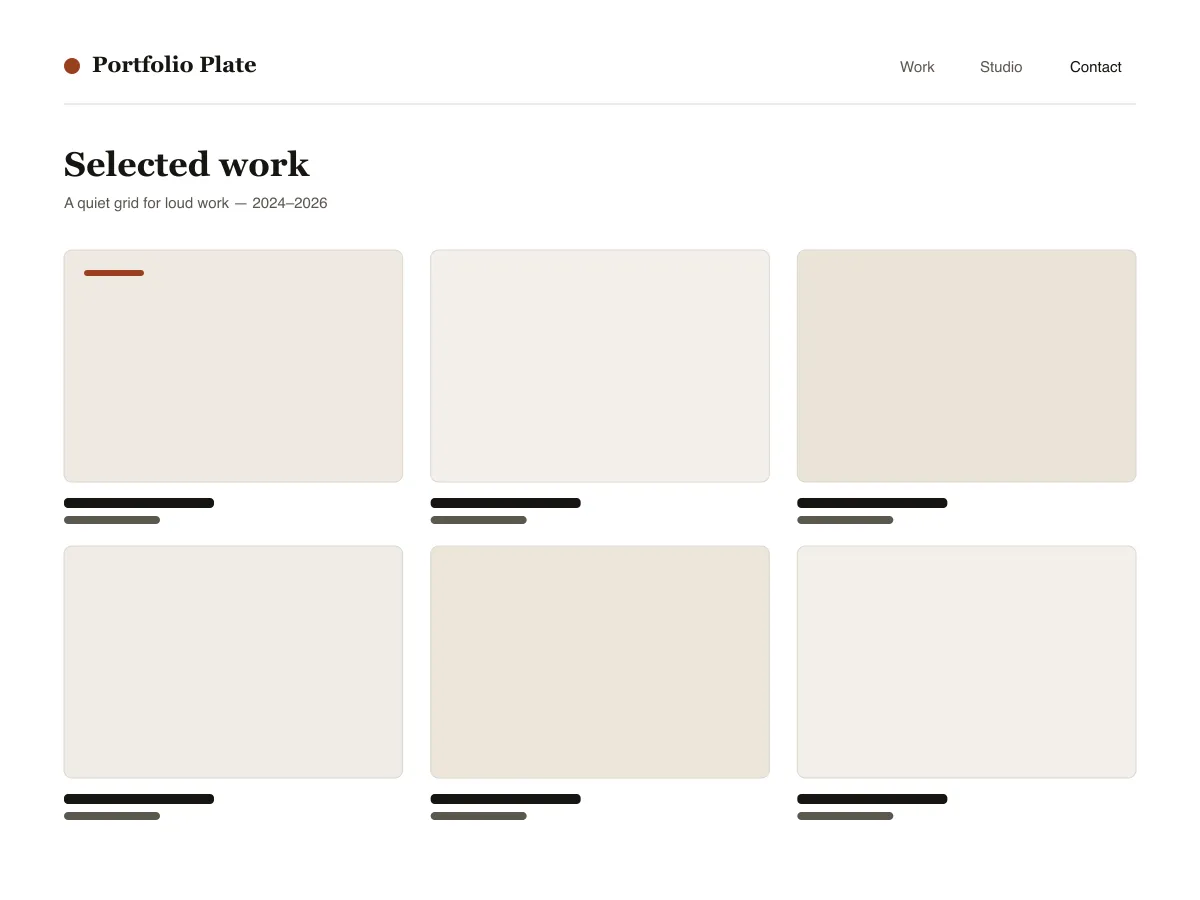
What's in Portfolio Plate
- Auto-fitting project grid: the post-template uses theme.json grid layout with a 30rem minimum column, so the work goes three-up, two-up, then one-up without a single media query.
- Project detail template built for large images: alignwide featured image rendered at its natural ratio (never crop-forced), a three-column project facts row (published / discipline / tags), and previous/next project navigation.
- Fluid typography from theme.json clamps (six steps, small through display) on system font stacks only - a serif for headings, a neutral sans for chrome and meta. Zero external font or CDN requests.
- Bundled Noir dark style variation (styles/noir.json) plus three duotone presets (Ink, Clay, Slate) so galleries of mixed-source photography can be unified in one click.
- Accessibility: every palette pair passes WCAG AA, a visible :focus-visible ring on all interactive elements, styled skip link, semantic header/main/footer landmarks via template-part tagName.
- Three block styles registered with inline_style so their CSS only ships when used: Framed image, Panel group, Underlined post title.
Next steps
Free tools to set up your site
WordPress theme.json Generator
Build a valid theme.json — and see which half actually changes your site.
Open toolWordPress Image Size Lab
Drop an image in. See every copy WordPress will make of it.
Open toolWordPress .htaccess Generator
The rules WordPress needs, plus the hardening rules it does not ship with
Open toolRelated
Other themes you might like
FAQ
Portfolio Plate questions
Is Portfolio Plate really free?
Yes. Portfolio Plate is licensed GPL-2.0 and free to use on as many sites as you like, including commercial ones. There is no paid tier, no locked feature, and no trial. It used to have a paid PRO version; that has been discontinued and everything in it is now free.
How do I remove the Portfolio Plate footer credit link?
Go to Appearance → Customize → Footer Settings and clear the credit option. The link is entirely optional — removing it does not disable any feature, does not affect updates, and does not require a paid upgrade. We would rather you keep the theme than keep the link.
Should I use a child theme with Portfolio Plate?
Use a child theme if you plan to edit template files or add PHP. If you are only changing colours, fonts, or spacing, use Appearance → Customize → Additional CSS instead — it survives updates and is far simpler to maintain.
Where do I get support for Portfolio Plate?
Use the theme's support forum on WordPress.org — it is public, so the answer helps the next person with the same problem. You can also reach us directly through the contact page.